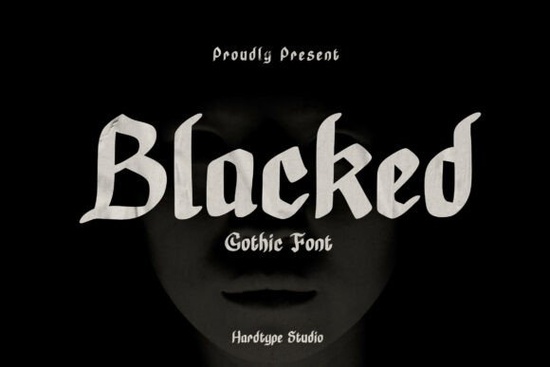
If you're looking for a bold, authentic gothic typeface that works well across print and digital projects without sacrificing legibility Blacked Font is worth your attention. It’s not just another blackletter font. Designed with clear medieval roots and sharpened for modern use, it balances dramatic contrast and crisp detail in a way that feels intentional, not overdone. Whether you’re designing a band logo, a limited-edition t-shirt, or a book cover with dark fantasy themes, Blacked holds its own without needing heavy effects or outlines.
What makes Blacked different from other blackletter fonts?
Many blackletter fonts lean heavily into historical accuracy which can make them hard to read at smaller sizes or in longer text blocks. Blacked avoids that trap. Its letterforms are built on classic gothic structure (think angular terminals, vertical stress, and dense stroke weight), but the spacing, proportions, and open counters have been carefully refined. That means it scales cleanly from a 12-pt caption to a 200-pt poster headline and stays sharp on screen and in print.
Unlike script-heavy alternatives, Blacked includes full Latin character support, standard ligatures, and consistent kerning pairs. You’ll find stylistic alternates for key letters like A, G, and S subtle enough to add personality without breaking visual rhythm. It also supports Western European languages, making it practical for small businesses targeting broader audiences.
Where does Blacked work best?
This isn’t a one-size-fits-all font but it shines in specific, high-impact contexts:
- Logos & branding for metal bands, occult shops, gothic fashion labels, or indie game studios
- Apparel designs, especially for screen printing or heat transfer where strong silhouettes matter
- Tattoo flash sheets its clean outlines and defined negative space translate well to line work
- Book covers and zine layouts for horror, dark romance, or historical fiction genres
- Posters and event flyers where tone and atmosphere need to land quickly
It’s less ideal for body text, UI interfaces, or children’s products those calls for friendlier, more open typefaces. But when mood and authority matter, Blacked delivers without extra effort.
How to pair Blacked with other fonts
Because of its strong presence, Blacked works best as a display font paired with something neutral underneath. Think sans-serifs like Montserrat or Inter for clean contrast. If you want a serif companion, try Playfair Display its high contrast and elegant serifs complement Blacked’s drama without competing.
Avoid pairing it with other blackletter or highly decorative fonts. Two heavy fonts together tend to clash visually, even if they look “thematic.” Simplicity keeps attention where it belongs: your message.
Is Blacked easy to use for beginners?
Yes if you understand basic typography principles. It comes in OTF and TTF formats, works in Adobe Creative Cloud apps, Affinity Designer, Canva (via upload), and most cutting software like Cricut Design Space and Silhouette Studio. No special plugins or setup needed.
You don’t need advanced skills to get good results. Start by using it at larger sizes (48 pt or higher) for headlines or logos. Adjust tracking slightly looser than default blackletter fonts often benefit from a little extra breathing room between letters. And always test how it looks printed: what reads well on screen doesn’t always hold up on fabric or matte paper.
For crafters and POD sellers, Blacked is especially useful because it converts cleanly to vector paths and rasterizes sharply at common product sizes from mugs to phone cases to tote bags. Just avoid tiny embroidery applications; stitch count limitations usually require simpler outlines.
If you’d like to explore more options in this style, check out the blackletter fonts collection on Creative Fabrica it includes both classic revivals and contemporary interpretations, all tested for real-world use.
Before you download or license Blacked Font:
- Preview it with your actual project text not just “The quick brown fox”
- Test it at the size and medium you’ll use (e.g., printed on cotton vs. vinyl decal)
- Check licensing terms especially if you plan to use it in client work or physical products for resale
- Compare it side-by-side with free blackletter options you already own you might already have something close enough
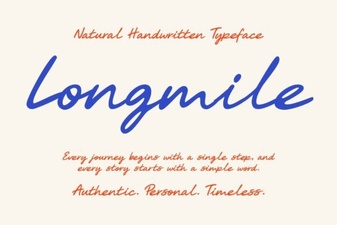 Longmile Font for Modern Ui Design and Projects
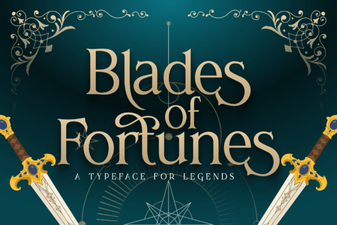 Blades of Fortunes Font Design and Download Guide
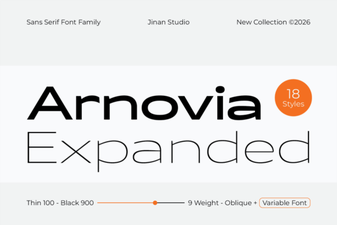 Discover Arnovia Expanded: Typography for Creative Design
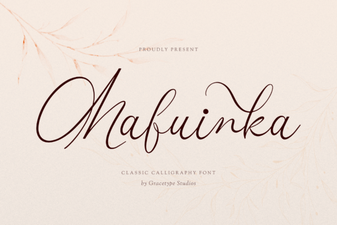 Mafuinka Font for Modern Graphic Design Projects
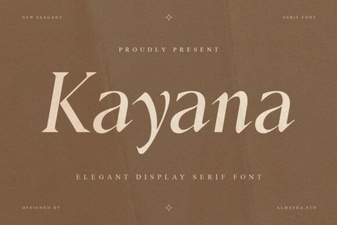 Kayana Font: Creative Projects & Design Tips
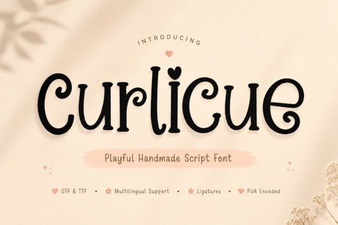 Creative Projects Using Curlicue Font Styles